
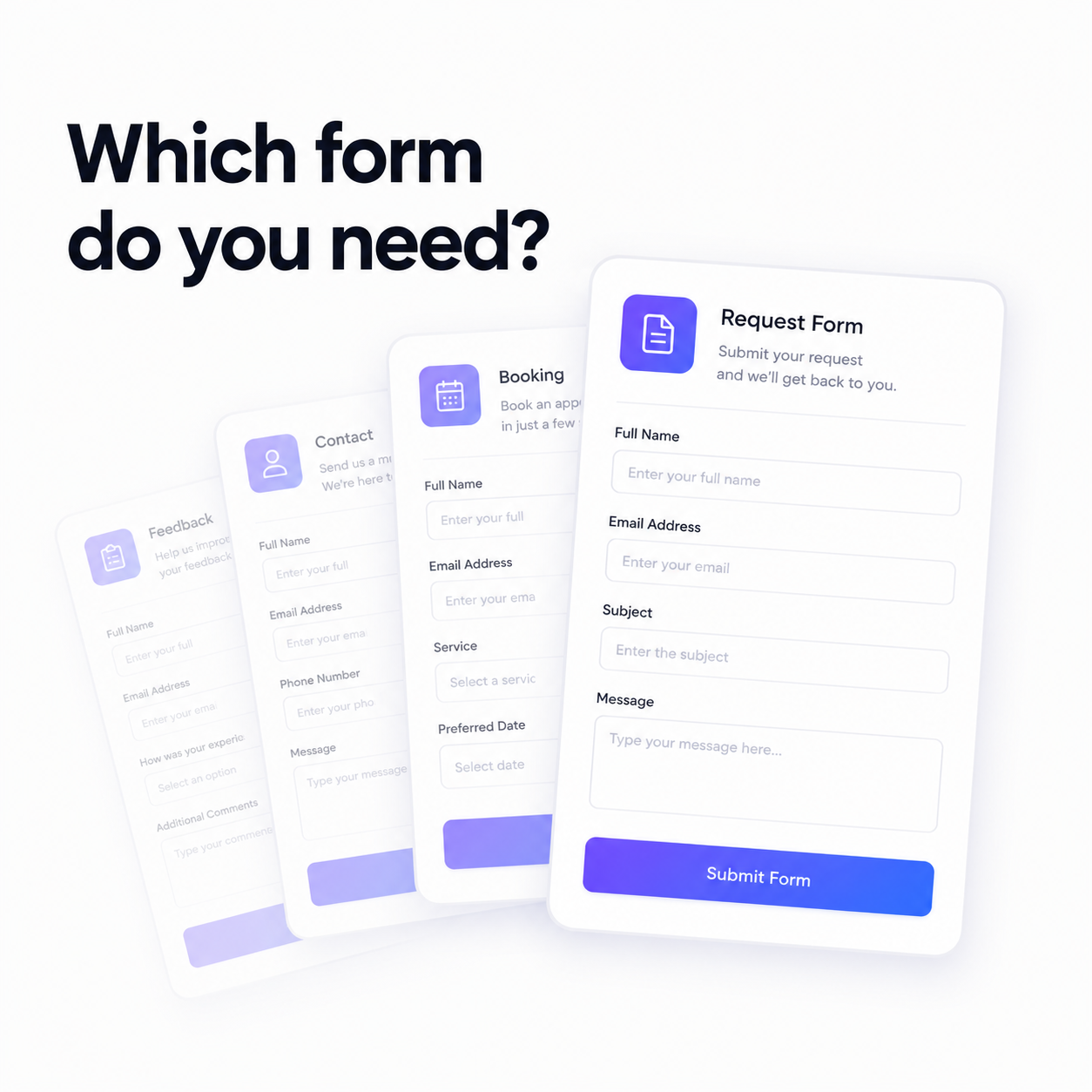
A form is the cheapest employee you will ever hire. It works at 2am, it never mistypes an email address, and it asks every single person the same questions in the same order. And yet most small businesses run on a single sad contact form with three fields on it — name, email, message — and then spend the rest of the week emailing back and forth to find out the things they should have asked in the first place.
The gap between a good form and a bad one isn't design. It's the questions. A good form is a conversation you've already had, written down once. That's why Flowpera ships fifteen form templates: not to save you the ten minutes of dragging fields around, but to save you the six months of learning which questions were worth asking.
Start with what happens after someone hits send
Before you pick a template, answer one question: what do you need to do the moment this form is submitted? Everything else follows from that. If you need to call someone back, you need a phone number and a good time to reach them. If you need to quote a price, you need a budget and a deadline. If you need to ship something, you need an address. A form that doesn't collect what the next step requires isn't a form — it's a delay with a submit button.
The templates are grouped by what they're for, so you can find yours by thinking about your business rather than about fields.
Sales and marketing forms
- 1
Contact Us
The one everybody needs. Name, email, phone, what it's about, and the message — plus a quiet 'how did you hear about us?' that will teach you more about your marketing than any analytics dashboard.
- 2
Lead / Quote Request
The upgrade from Contact Us, and the one most businesses should be running instead. It asks for budget, timeline and project details up front, so the call you take is the call worth taking.
- 3
Client Onboarding
Everything you need before kickoff: goals, target customers, existing brand assets, launch date, and how they prefer to be contacted. Send it the day the contract is signed and your first week stops being an archaeology dig.
- 4
Newsletter Signup
Email, first name, what they want to hear about, and explicit consent. Short on purpose — every extra field costs you subscribers.
- 5
Testimonial Request
A rating, the problem you solved, the quote itself, and — crucially — a checkbox giving you permission to publish it with their name and company. That checkbox is the difference between a testimonial and an awkward email.
Support and service forms
Support forms fail in a specific way: they collect a complaint instead of a case. 'It's broken' is a complaint. 'It's broken, here's the order number, here's what I expected, here's what happened, and it's urgent because I can't work' is a case you can actually close.
- Support Ticket / Bug Report — urgency, steps to reproduce, expected behaviour and device, so you can act without a follow-up email.
- Service / Maintenance Request — for trades and property managers: what's wrong, the address, how urgent, the best time to visit, and how to get in if nobody's home.
- Refund / Return Request — order number, reason for return, and the resolution the customer actually wants, which is often not the one you assumed.
- Feedback / Survey — a satisfaction rating plus what worked and what didn't, short enough that people finish it.
Ask 'what would you like us to do?'
The single most useful field on a refund form is the one that asks whether the customer wants a refund, a replacement, store credit or a repair. Half the time it's cheaper than you feared — and either way, you've replaced a negotiation with an answer.
Registration, orders and HR
Event RSVP handles attendance, guest count and dietary needs. Course / Workshop Registration adds the session they want and their experience level, so you can pitch the room correctly. Product / Order Request lets you take an order without building a storefront — items, delivery or pickup, preferred date and payment preference.
On the internal side, Job Application collects the role, a CV link, years of experience, notice period and salary expectation, so your first screening call isn't spent on facts a form could have gathered. Time Off Request handles leave dates, cover arrangements and a note to the manager — a form your team will genuinely thank you for, because the alternative is a Slack message that gets lost.
Publish it, embed it, and let it fill your CRM
Every form gets a clean public page at /cf/your-form and an embed snippet for your own site, so you can share a link in an email or drop the form straight onto your homepage. You can pause a form when a campaign ends and switch it back on when it returns.
Then comes the part that turns a form into a system: map its fields onto a contact list, and every submission becomes a contact automatically, deduped by email address. The person who fills in your quote request on Tuesday and your newsletter form on Friday is one record, not two. When it's time to bill them, they're already a dropdown on your invoice.
The honest recommendation
If you run a service business and you only build one form this week, build the Lead / Quote Request — not the contact form. It costs a prospect thirty extra seconds and it saves you the entire qualifying call. If you sell to consumers, build the order form. If you employ anyone, build the time off request and never chase a leave date again.
And if none of the fifteen fits, start blank and build your own from text, dropdown, single-choice and checkbox fields. The templates are a head start, not a cage. Custom forms are on every Flowpera plan, including the free one — so the only thing standing between you and a better form is deciding what you actually need to know.