
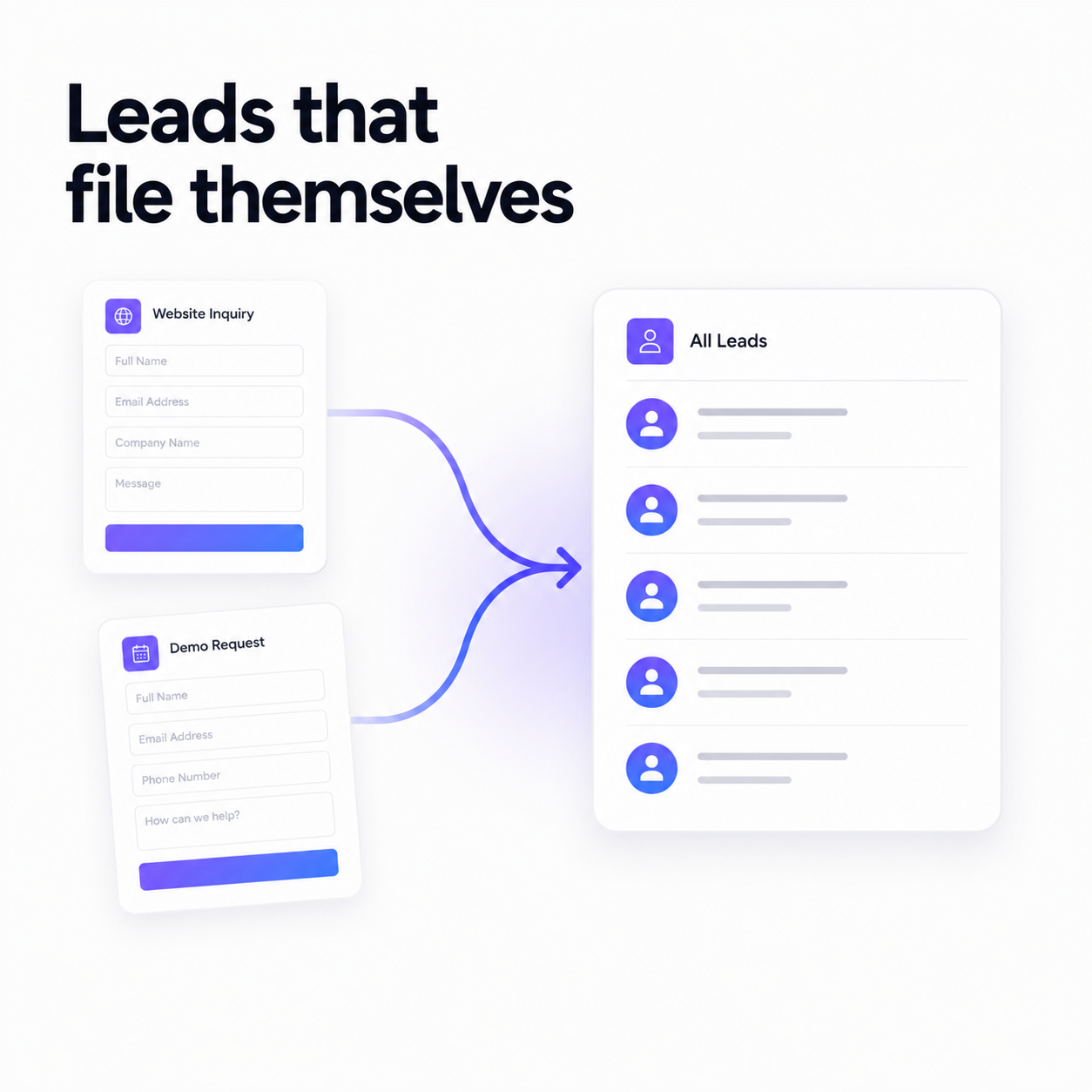
Here's a workflow almost every small business has quietly accepted as normal. A lead fills in the contact form. The submission lands in your inbox. You open a spreadsheet, copy the name, copy the email, guess which column the phone number goes in, and type the date from memory. Then you forget where the lead came from, because that part was never a field.
Two weeks later someone asks which channel is actually working, and the honest answer is that nobody knows. The data was there — it just never made it anywhere useful.
Build the list around your data, not ours
Start in Contact Lists by creating a list and choosing exactly which fields it stores. There's a starter catalog of the fields most businesses want — name, email, country, phone, website, lead source, lead or customer type, current status, notes — and you can add fully custom fields for anything specific to how you work.
This matters more than it sounds. A CRM that forces its schema on you is a CRM you end up fighting, and eventually abandoning for the spreadsheet you actually control.
Point your forms at it
Now connect the sources. Any booking form or custom form can be mapped onto a contact list, field by field. From that moment, every submission becomes a contact — automatically, the instant someone hits send.
- 1
Booking forms
Someone books a call, and they're in your CRM before the confirmation page finishes loading. Scheduling doubles as lead capture, at no extra effort.
- 2
Custom forms
Contact, lead/quote, RSVP, survey, job application, support ticket and more — start from one of fifteen templates or build your own, then map the fields you care about onto the list.
- 3
Manual entry
Met someone at an event? Add them by hand into the same list. Same fields, same pipeline, one home.
Deduped by email, always
Every incoming contact is matched on email address. A returning client who books twice updates the record you already have instead of creating a second one — so your list doesn't slowly fill with near-duplicates you have to clean up later.
Know where your leads come from
Each contact records its source — booking form, custom form, or added manually. That's the field the spreadsheet never had, and it's the one that answers the only question that matters when you're deciding where to spend your next hour: which channel is actually bringing people in?
From there, move contacts through your pipeline — lead, contacted, qualified, customer, lost — so you always know who needs attention next. The CRM dashboard shows totals, growth this week, and a breakdown by status, source and list.
And when it's time to bill them
Because the contact is already in Flowpera, creating an invoice for them is a dropdown, not a retype. Their name and email fill themselves in, the invoice sends itself, and the reminder goes out the day before it's due. The lead you captured without lifting a finger becomes the payment you collected without chasing it.
That's the whole idea: the tools your business runs on shouldn't need a spreadsheet in the middle to talk to each other.