
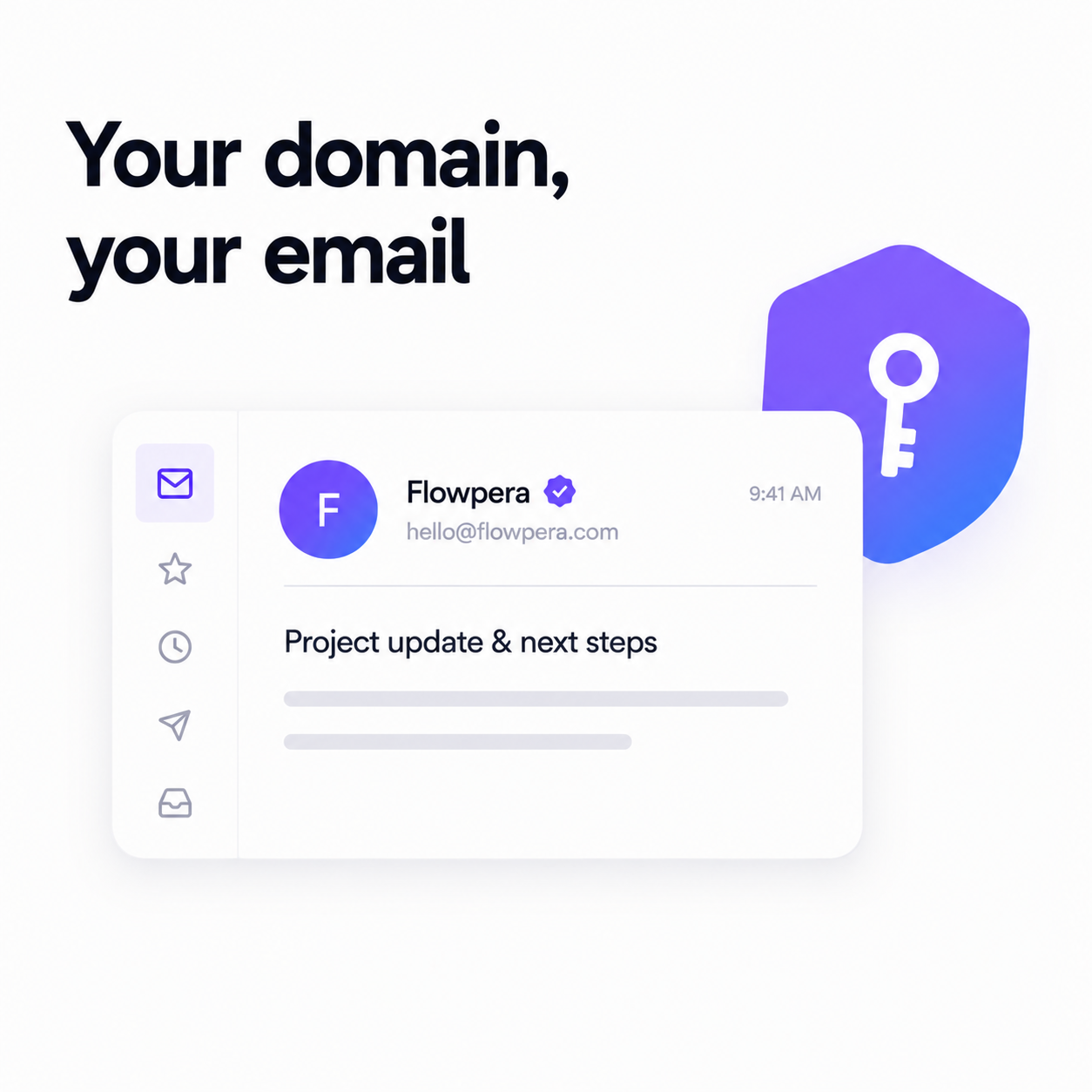
Your client is expecting an invoice. What lands in their inbox is an email from a company they've never heard of, containing a link to a payment page, asking them to look at a document about money. Everything about that sentence sounds like a phishing attempt — because everything about that sentence is also how phishing works.
This is the quiet cost of software that sends on your behalf from its own address. The email is legitimate, the invoice is real, and your client still hesitates. Sometimes they call to check. Sometimes it goes to spam. Sometimes it just sits there, unpaid, while you assume they're being slow.
The fix: your domain, your name
Flowpera lets a workspace owner connect their own Resend account under Settings → API & Integration. Once it's connected, every invoice and every reminder goes out from your verified domain, under your business name. Your client sees an email from you, about a project they know, from an address they've corresponded with before. There's nothing to second-guess.
It takes about five minutes: create a Resend account, verify your domain there, paste the API key into Flowpera, and set the from-address and from-name you want to use. That's the whole job.
You'll be warned before it matters
If no email account is connected, Flowpera tells you so directly on the invoice pages — before a client's invoice goes out from the wrong address, not after. It's one of those warnings you only appreciate the first time it saves you.
What happens to your API key
Handing an API key to a piece of software is an act of trust, and most services are vague about what they do with it. So here is exactly what Flowpera does with yours.
- It's encrypted before it's stored, with AES-256-GCM. The encryption key lives in the application environment, never in the database — so a stolen database dump contains nothing usable.
- It's never sent back to a browser. There is no screen, no API response and no code path that returns your key to a client. Not even to you.
- You only ever see its last four characters, which is enough to confirm which key is connected and not enough to be worth stealing.
- Leaving the key field blank when you save means 'keep the one I already have'. Your key is never round-tripped through a form just to change a from-address.
Credentials are an ownership concern, so connecting one is owner-only — deliberately not something you can grant to a team member through the module permissions. But a manager with invoice access can still send invoices through the connected account, because the key is resolved on the server at send time and never exposed to the person sending. Your team can do their job without ever being able to see, copy or export your credentials.
What actually gets sent
Two things, today. The invoice itself, which goes out the moment you create it — your client opens a private page, reads it, and downloads a PDF without needing an account. And the reminder, which goes out automatically one day before the invoice is due, in your words, from your address.
Both emails come with subject lines and messages already written to suit any business, so you can send your first invoice without editing a word. If you'd rather use your own wording, they're two plain fields you can set for the whole workspace or override on a single invoice — with placeholders for the client's name, your business name, the invoice number, the total and the due date.
When an email doesn't arrive
Email is the one part of any business tool that can fail silently, and a silent failure is the worst kind: you believe the invoice is with your client, your client believes you never sent it, and the first anyone learns otherwise is an awkward conversation a fortnight later.
So every send is recorded against the invoice — whether it went out and whether it failed. The connection itself carries a status too, and if your provider starts rejecting sends, Flowpera surfaces the error rather than quietly swallowing it. If something has gone wrong, you find out from the app, not from the client.
The two things worth checking first, in order: whether the domain is still verified with your provider, and whether the API key has been revoked or rotated at their end. Rotating a key is a paste-and-save in Flowpera — and leaving the field blank keeps whatever is already connected, so you can change your from-name without touching your credentials.
If you don't connect anything
Everything still works. Flowpera falls back to the platform's own sending address, and your invoices go out as normal. Nothing breaks and nothing is lost — you simply don't get the trust that comes from an email arriving from your own domain.
Our honest advice: connect it before you send your first invoice to a client who doesn't already know you well. The email you never have to explain is worth five minutes of setup, and the invoice that doesn't get queried is worth considerably more than that.
The deliverability part nobody mentions
Sending from your own domain isn't only about how the email looks. It's about who is accountable for it. When a platform sends on behalf of thousands of businesses from one address, that address carries everybody's reputation — including the reputation of whoever sent something careless last week. Your domain carries only yours.
Verify it properly with your provider, keep your sending honest, and your invoices land in inboxes rather than spam folders. That's a compounding asset: the more reliably your emails arrive, the more reliably they keep arriving.
One provider today, more tomorrow
Resend is the first provider, and the integration is built generically — the same table and the same secret handling will carry the next one. Connecting your own account isn't a paid add-on; it's on every plan, including the free one, because sending a professional email shouldn't be a premium feature.