
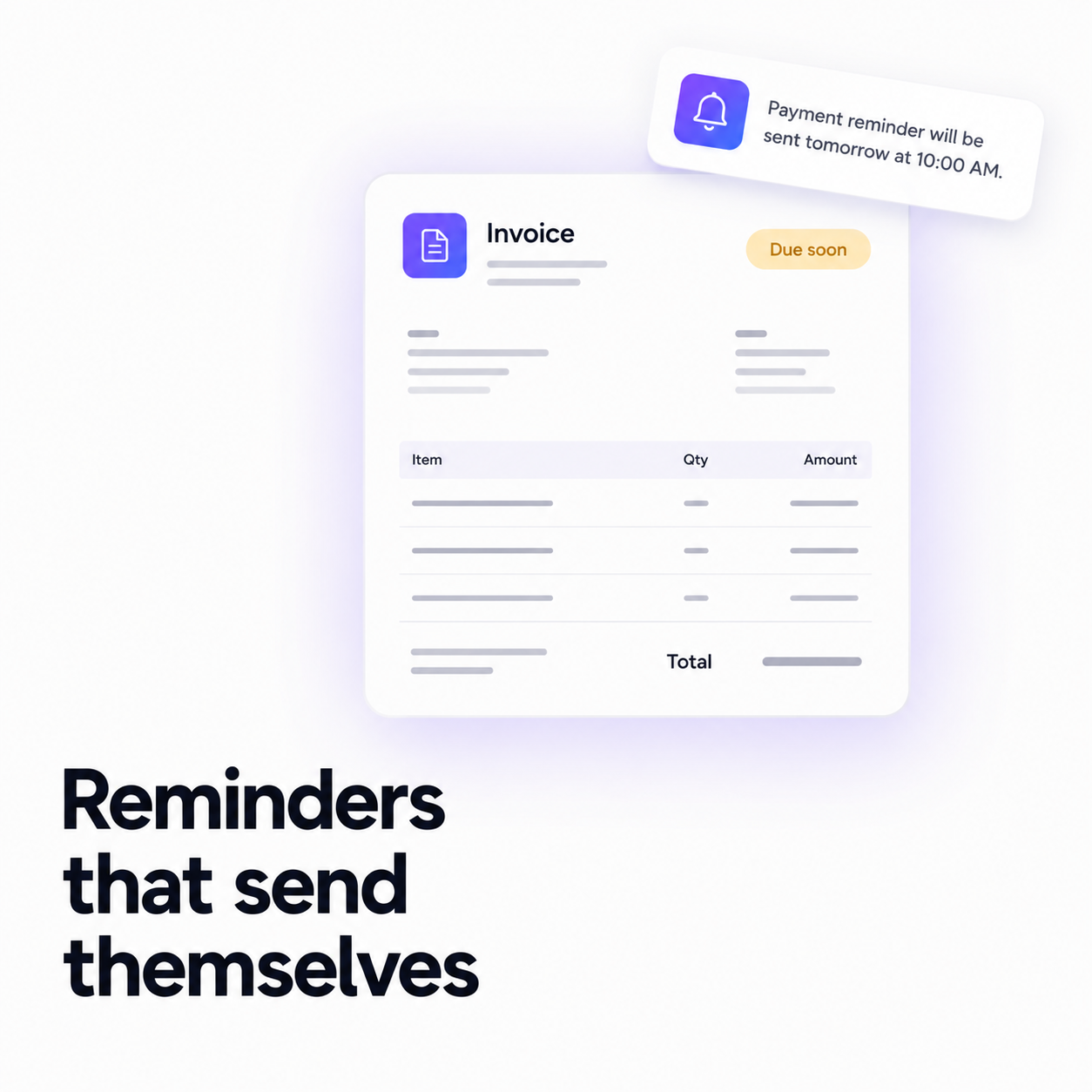
Every freelancer and small team knows the feeling. The work is delivered, the client is happy, the invoice was sent three weeks ago — and the money still isn't in. Now you have to write the email. The polite one. The one you rewrite four times because you don't want to sound like you're nagging a client you'd like to work with again.
That email is a tax on being small. You do the work, then you do the collections. Flowpera's invoicing exists to take the second job off your desk: you create the invoice, and everything after that — the delivery, the reminder, the overdue flag — happens on its own.
Set your branding once
Before your first invoice, spend two minutes in Invoices → Settings. Add your logo, business name, address and payment instructions, pick an accent colour, and choose a template — there are fifteen, from a plain classic and a mono-friendly print layout to a boxed VAT/GST grid, a subscription bill and a work order with a signature line. Everything you set here is applied to every new invoice automatically, so you never fill in your own details twice.
Rebranding won't rewrite your history
Your branding is snapshotted onto each invoice at the moment it's issued. Change your logo next year and the invoices you sent last month still look exactly as your client received them — which is what you want when an accountant comes asking.
Create an invoice in about a minute
- 1
Pick who it's for
Choose a client straight from your contact lists and their name and email fill themselves in, or type the details by hand for a one-off.
- 2
Add your line items
Description, quantity, price. Tax and discounts are applied as you type, and the total updates live in the preview beside you.
- 3
Check the email
The subject and message come pre-written to suit any business — you genuinely don't have to change a word. If you want to, they're two plain fields, with placeholders for the client's name, the invoice number, the total and the due date.
- 4
Hit send
The invoice is emailed the moment you create it. Your client opens a private page, sees the invoice, and saves a PDF in one click — no account, no sign-up, no friction between them and paying you.
The reminder you never have to write
This is the part that actually changes your week. One day before an invoice is due, Flowpera emails your client a short, polite reminder. It goes out on its own, in your words, from your address. You don't schedule it and you don't remember it.
It's careful about a few things that matter:
- A paid invoice is never reminded. The moment it's marked paid, it drops out of the queue.
- Each invoice is reminded exactly once — no client ever gets the same nudge twice.
- Invoices that pass their due date are marked overdue for you, so your list tells you the truth without any bookkeeping.
A reminder the day before is deliberate. It arrives while paying is still easy and nobody is embarrassed — it reads as a courtesy, not a chase. That's exactly why it works: most late payments aren't refusals, they're the invoice slipping down someone's inbox.
Send from your own domain
By default, invoice emails go out through Flowpera's sending address. That works, but it isn't your brand — and an invoice from an address your client doesn't recognise is an invoice that can look like a phishing attempt.
Connect your own Resend account under Settings → API & Integration and every invoice and reminder leaves from your verified domain instead. Your API key is encrypted before it's stored, is never sent back to a browser, and is only ever shown to you as its last four characters. If you haven't connected one, Flowpera tells you so on the invoice pages — before a client's invoice goes out from the wrong address, not after.
What this adds up to
Create the invoice. It sends itself. It reminds for you. It marks itself overdue. The only thing left for you is the part only you can do: the work. Invoicing is on every Flowpera plan, including the free one — so you can send your first invoice today without paying us anything.