
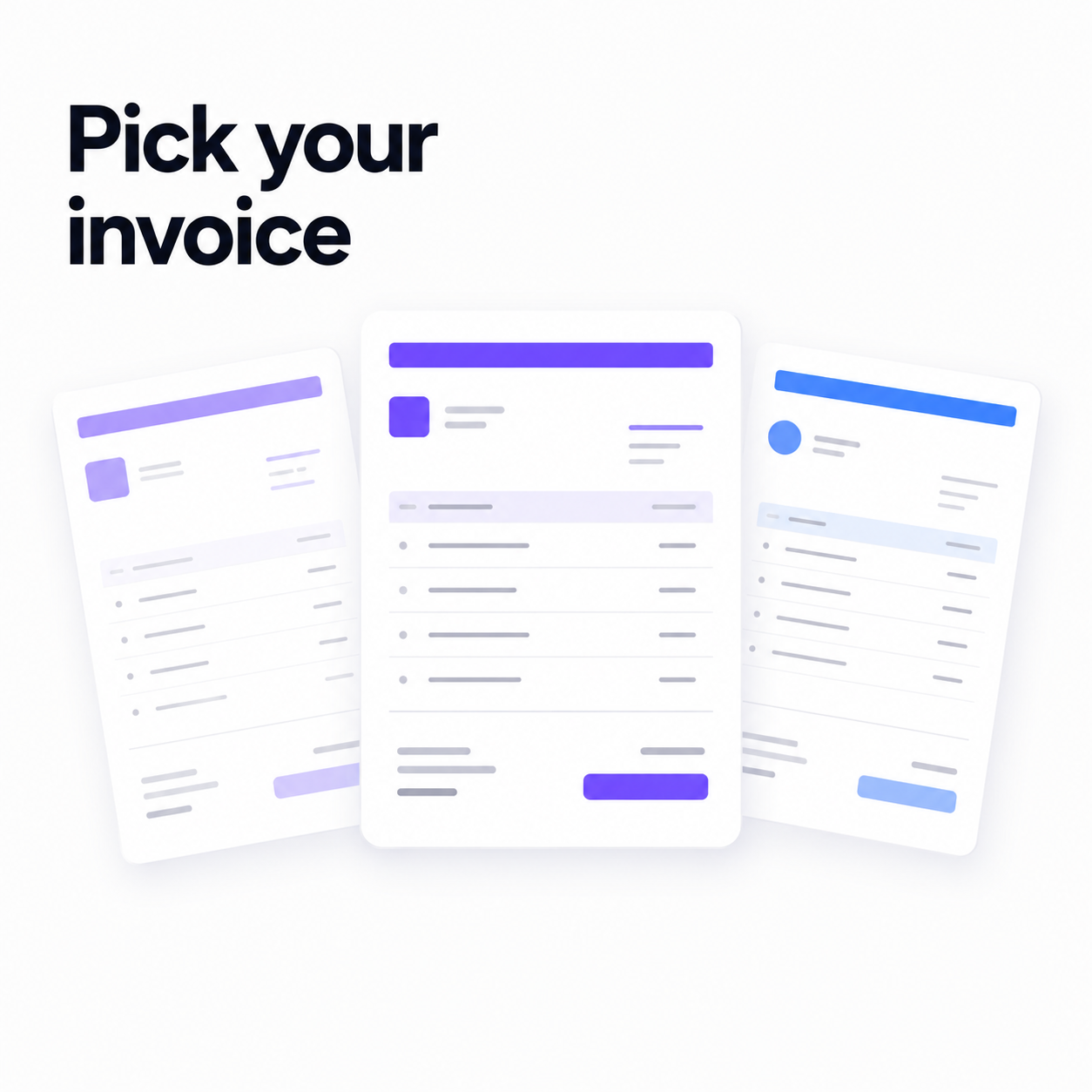
An invoice is a sales document that happens to contain numbers. It's often the last thing a client sees from you and, if the project went well, the thing they'll forward to someone in finance who has never heard of you. It should be easy to read, easy to pay, and it should look like it came from a business that has its act together.
That's the argument for caring which template you send. Not vanity — clarity. An invoice a finance team can process in ten seconds gets paid faster than one they have to squint at. Flowpera ships fifteen templates, and this is how to pick the right one instead of defaulting to the first.
The five everyday templates
- 1
Classic
A traditional bordered invoice with a clear header and a totals block. If you're not sure, send this. It's the template nobody has ever complained about, which is a higher compliment than it sounds.
- 2
Modern
An accent bar across the top and a clean two-column header. For studios, freelancers and creative work — professional without being stiff.
- 3
Minimal
Generous whitespace and hairline rules. Designers, writers, and anyone whose brand is built on restraint.
- 4
Bold
A full-width colour block header, large type and a total nobody can miss. Trades, events and product businesses, where the invoice needs to survive being printed and left on a counter.
- 5
Receipt
Narrow and dense, reading like a payment receipt. Coaches, salons and per-session services — the layout people already recognise from being handed one.
When your invoice has a job to do
The other ten exist because some invoices aren't decoration decisions — they're operational ones. The layout has to match the situation, or you end up apologising in a follow-up email.
- Grid — every field boxed in a full table with a tax summary line. This is the classic VAT/GST layout, and if you invoice in a country where that's expected, it's the one your client's accountant is hoping for.
- Corporate — a formal letterhead with a structured reference panel. Built for B2B suppliers billing an accounts payable department that needs the invoice number, issue date and due date exactly where it expects them.
- Compact — tight rows and smaller type, so a long itemised job still fits on one page instead of spilling onto a second nobody prints.
- Statement — leads with the balance due and the payment terms, reading like an account statement. The right choice for retainers and ongoing monthly accounts.
- Subscription — a billing-period banner over the charges, with the next amount due called out. For memberships and recurring plans, where the question is always 'what am I paying for this month?'
- Work Order — a job-details block and a signature line for sign-off on completion. For trades, repairs and field service, where the invoice doubles as the job sheet.
- Monochrome — pure black and white. It deliberately ignores your accent colour so it prints cleanly on any office printer, which matters more than you'd think in legal and finance.
- Sidebar, Banded and Elegant — a coloured rail down the left, zebra-striped rows for long item lists, and a centred, airy layout for premium and boutique brands.
Print it, don't fight it
Every template is print-optimised, so 'Save as PDF' produces a crisp document with selectable text — not a screenshot. Your client can search it, their accountant can copy the total out of it, and nobody has to squint at a blurry image.
Brand it once, and never again
Whichever template you choose, you set your branding a single time under Invoices → Settings: logo, business name, address, payment instructions and an accent colour. Every future invoice picks it up automatically, and the preview updates live as you type so you can see exactly what the client will see.
Crucially, that branding is snapshotted onto each invoice at the moment it's issued. Rebrand next year and the invoices you sent last month still look precisely as your client received them. When an accountant comes asking about a document from eighteen months ago, it hasn't quietly changed underneath you — which is the entire point of a financial record.
The template is the easy part. The sending is the win.
Here's what actually happens after you pick one. You create the invoice — choose a client from your contacts, add line items, watch the totals update — and it's emailed the moment you hit create. Your client opens it on a private link with no account and no sign-up, reads it, and downloads the PDF themselves.
Then, one day before it's due, Flowpera emails them a short, polite reminder. You don't schedule it and you don't remember it. A paid invoice never gets reminded, nobody gets nudged twice, and anything past its due date is marked overdue for you. The email subject and message come pre-written to suit any business, and you can edit them per workspace or per invoice if you'd rather use your own words.
If you connect your own Resend account under Settings → API & Integration, all of it — the invoice and the reminder — leaves from your verified domain instead of ours. An invoice that arrives from an address your client recognises is an invoice that doesn't look like a phishing attempt.
Two habits that quietly delay payment
The first is a vague description. 'Consulting — $4,000' invites a question, and a question invites a delay while someone waits for an answer. 'Brand identity design, milestone 1 of 2' does not. Write line items for the person approving them, who was not in your meetings and has no idea what you did.
The second is burying the payment instructions. If a client has to hunt for how to pay you, some of them will simply do it later. Set your payment instructions once in settings and they appear on every invoice, in the same place, every time.
So which one?
If you bill VAT or GST, send Grid. If you bill a corporate finance department, send Corporate. If you turn up at someone's house and fix something, send Work Order. If you charge the same amount every month, send Subscription. If you're a freelancer or a studio and you just want your invoice to look good and get paid, send Modern — or Classic, and stop thinking about it.
Invoicing is included on every Flowpera plan, including the free one. Pick a template, send one today, and let the reminder do the part you've been dreading.