
Count the emails it takes you to book one meeting. Someone asks for a call. You offer three times. Two are gone by the time they reply. They counter with a slot you've since filled. You apologise, offer three more, and somewhere in the fifth message one of you suggests 'next week?' — and the lead that was warm on Monday is lukewarm by Thursday.
Nobody decided to work this way. It's just what happens when your availability lives in your head and your calendar lives somewhere your client can't see. An online booking page fixes it by inverting the problem: instead of you guessing when you're free, you publish the rules once and let people pick.
Start from a template, not a blank page
In Flowpera, a booking form starts from one of five templates — Discovery Call, Product Demo, Strategy Consultation, Interview Call or In-person Appointment — or a blank form if you'd rather build it yourself. A template isn't just a title. It arrives with a sensible duration, a buffer, a notice period, its weekly hours already filled in, and the questions worth asking.
- 1
Discovery Call
Thirty minutes, weekday hours, four hours' notice. Asks for company, website, what they'd like to discuss and a budget range — so the call you take is the call worth taking.
- 2
Product Demo
Forty-five minutes, with questions about team size, what they use today, and what they most want to see. You walk into the demo already knowing what to demo.
- 3
Strategy Consultation
A full hour, a day's notice, mid-week mornings only. Asks what they need help with and what they've already tried, so the session starts where their thinking stopped.
- 4
Interview Call
Let candidates book their own slot. Collects the role, a CV link and a notice period — and hands you back the hours you'd have spent coordinating diaries.
- 5
In-person Appointment
For clinics, salons and studios: you hand-pick the exact slots you're offering, and collect a phone number and what they're booking.
Two ways to say when you're free
Recurring weekly hours are the right choice for most people: say you take calls Monday to Friday, 9am to 5pm, and the page works out the individual slots from your duration. Manual slots are the opposite approach — you pick specific times, one by one, and only those appear. Clinics, studios and anyone whose week is genuinely different every week should use manual slots and stop pretending otherwise.
Underneath both sit the four settings that quietly decide whether your calendar is liveable:
- Duration — how long the meeting actually is, rather than how long you wish it were.
- Buffer — the gap after each booking, so a call that overruns doesn't cascade into the next one and ruin your afternoon.
- Minimum notice — the amount of warning you need. Set this to four hours and nobody can book you for twenty minutes from now, which is the single most protective setting on the page.
- Maximum advance — how far ahead people can book, so your diary isn't fully committed three months out.
The booked slot disappears
The moment someone books, that time stops being offered to anyone else. Two people cannot book the same slot, so you'll never open your calendar to find you've double-committed a Tuesday morning to two different clients.
Ask your questions before the call, not during it
Every booking form carries custom questions — text, dropdown, single-choice, checkbox — and this is where a booking page stops being a diary tool and starts being a business tool. The first ten minutes of most first calls are spent gathering facts a form could have gathered while you slept.
Ask for the company. Ask what they want to discuss. Ask the budget range, if that's the conversation. Then walk into the call already knowing whether it's a fit, and spend the whole thirty minutes on the part that needs a human.
One link, one calendar, one contact list
Every form gets a public page at /f/your-form. Put it in your email signature, on your website, in your bio — anywhere the words 'when are you free?' would otherwise appear. Your client picks a time, answers your questions, and it's done. No account, no sign-up, no negotiation.
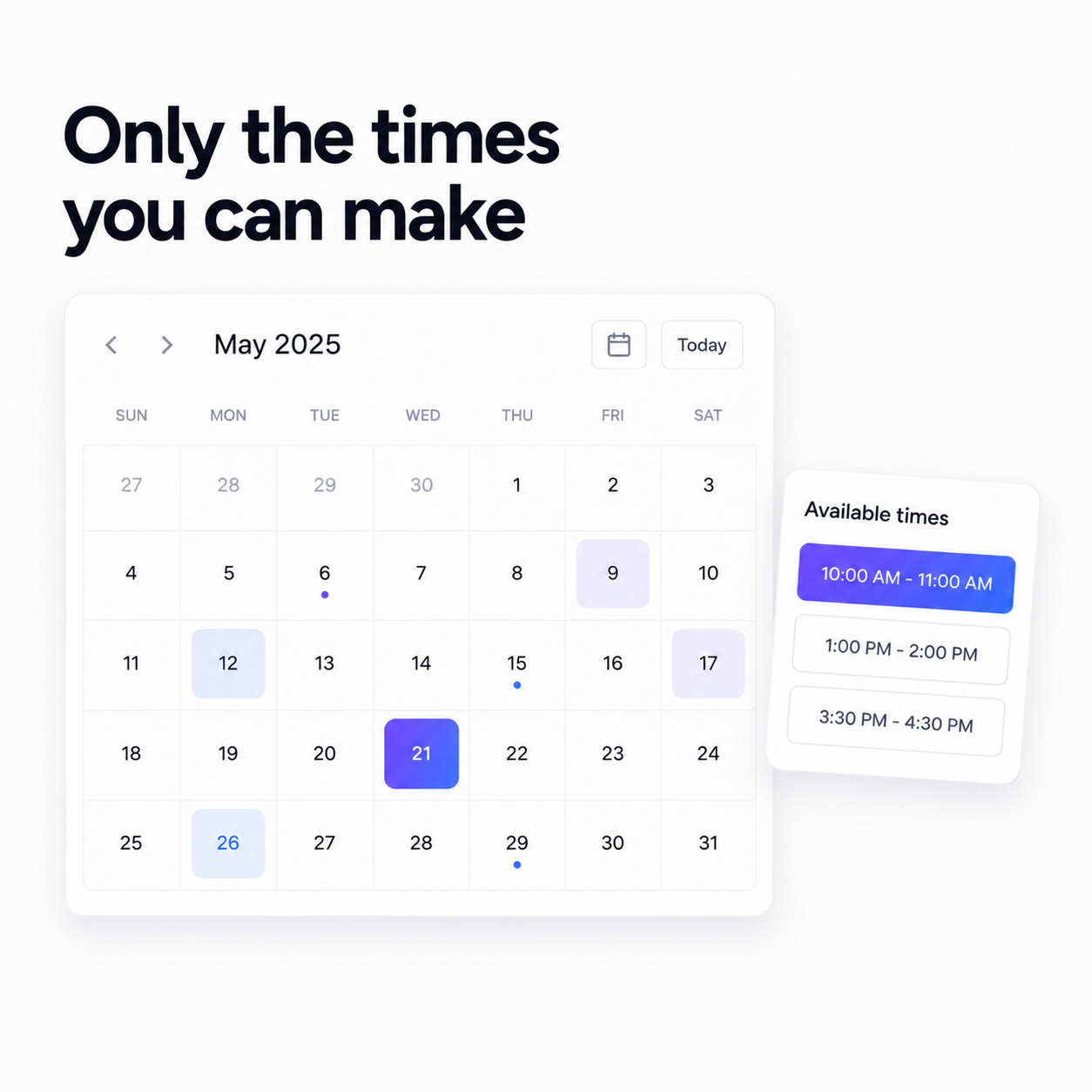
Confirmed bookings land on a shared calendar: a real month view across every form, with per-day counts and a panel showing who's booked what. If someone phones instead of booking online, add the booking yourself without leaving the calendar — the same slot logic applies, so the time you block by hand is a time nobody else can take.
And because a booking form can be pointed at a contact list, the person who books a call becomes a contact in your CRM before the confirmation page has finished loading — deduped by email, with the source recorded. Scheduling doubles as lead capture at no extra effort, and when it's time to invoice them, they're already there.
Cancellations, without the awkwardness
Plans change, and a booking system that makes changing them difficult just teaches people to no-show instead. Each form has its own Bookings tab listing everything upcoming and everything past, and cancelling takes one click — the freed-up slot reopens automatically, so the time goes straight back into circulation rather than sitting there blocked by a meeting that isn't happening.
It's a small mechanic with a real effect on your week. A cancelled Tuesday morning becomes a bookable Tuesday morning without you remembering to do anything about it.
What you get back
Six emails become one link. The lead who was ready to talk on Monday talks to you on Monday. Your afternoon has a gap in it because you set a buffer, and nobody books you at 8am tomorrow because you asked for notice.
There's a second-order effect worth naming, too. When your availability is public, you stop being the bottleneck in your own sales process. People book you at midnight, on a Sunday, from a phone, while you're asleep — and the meeting is confirmed, the questions are answered and the contact is in your CRM before you've had coffee.
Booking forms are on every Flowpera plan, including the free one. Publish one this afternoon and delete the words 'does Thursday work?' from your vocabulary.